The acrylic character summoning studio
Summon an acrylic character from your photo.
Upload a photo and the editor removes the background and traces a cut outline. Add an AI skin, pick a size, then order a keychain, standee or spinning standee.
Open the editorKeychainwith metal ringStandeewith standSpinning standeeready-made templatesBackground removalon uploadAI skinsChibi, Anime, Watercolor, Pixel Art, 3D FigureDaily check-in+10 points, +1 gacha ticketShippingShopee Express
Main quests
Three quests from a photo to an acrylic character on your desk. Works on phone or computer.
- 1
Upload a photo
Pick one from your computer or phone. The editor removes the background and traces a cut outline around it.
Reward: Background-free photo
- 2
Shape your character
Pick the product, drag the size, adjust the outline thickness. Want a new look? Put on an AI skin.
Reward: Your design + a price per cm²
- 3
Order and receive
Crylica prints and cuts the acrylic, then ships via Shopee Express with a tracking code.
Reward: A real acrylic character
Skills in the editor
Eight skills unlocked for every account, right in your phone or desktop browser.
- Skill 01
Background removal
Upload a photo and the background is removed automatically, leaving your character.
- Skill 02
Erase & restore
Erase leftovers or paint back anything removed by mistake, stroke by stroke.
- Skill 03
Cut line
A white border that hugs the shape; drag a slider to set its thickness.
- Skill 04
Layers
Combine several images on one sheet and drag to reorder them.
- Skill 05
Flip & scale
Flip, enlarge or shrink to exactly the size you want printed.
- Skill 06
Template library
Start from a ready-made template instead of a blank sheet.
- Skill 07
3D preview
Spin the clear acrylic piece to check every angle before ordering.
- Skill 08
AI skins & sharpen
Restyle a photo or sharpen a blurry one with AI.
Pick a skin for your photo
The editor's AI restyles a portrait before printing, or sharpens a blurry photo.
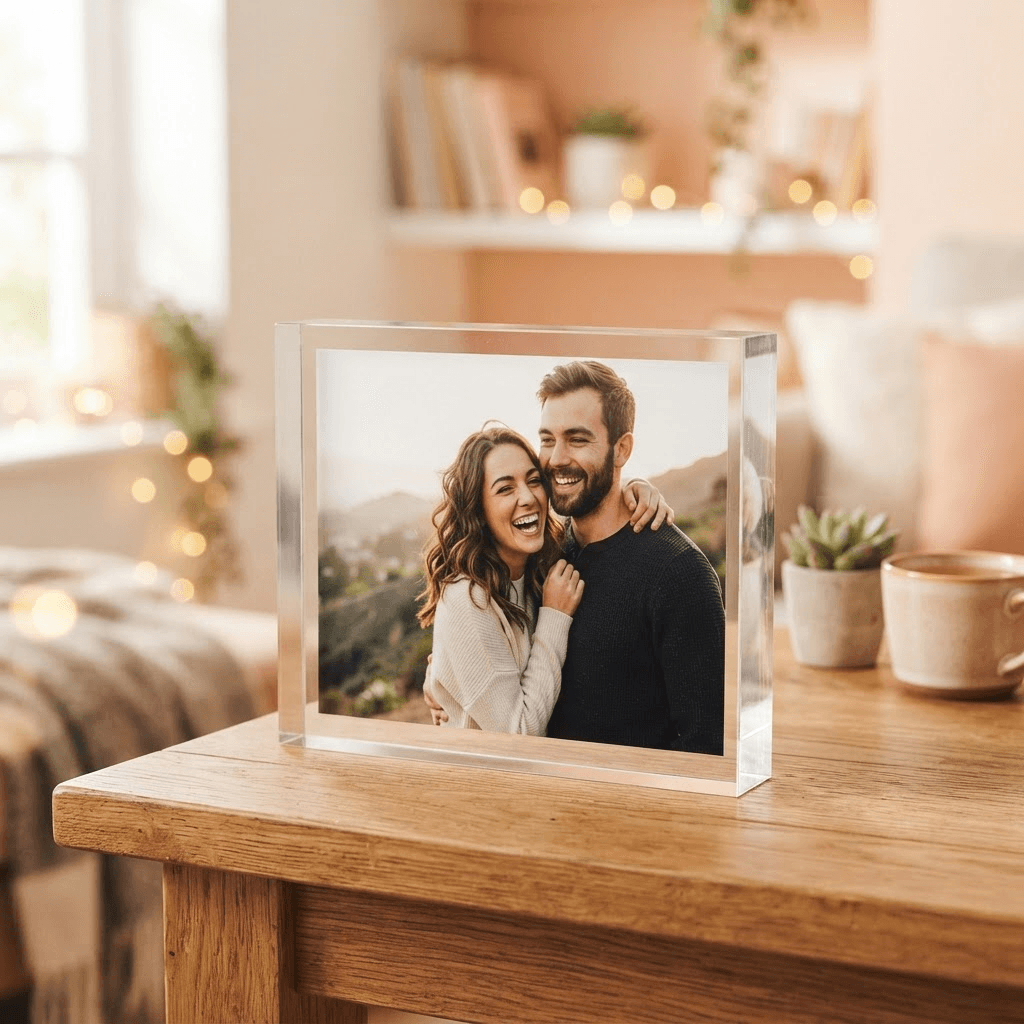 Chibi
Your result appears when you apply a skin to your own photo in the editor
AI uses per day
- Member
- 1
- Silver
- 1
- Gold
- 2
- Diamond
- 3
Upscale
Sharpen low-resolution photos before printing.
Inventory
Three item types you can print from your design. Priced by acrylic area, shown before you pay.
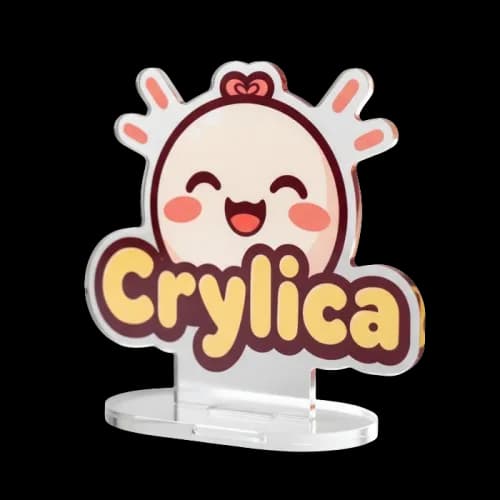
- Standee
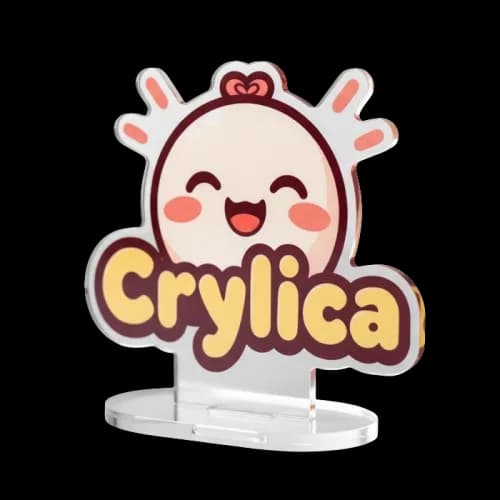 Comes with a stand for your desk or shelf.Stand includedCut along your photoPriced per cm²Design now
- Keychain
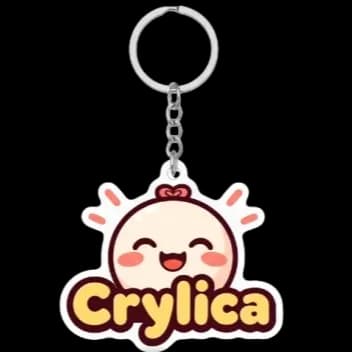 Carry your character every day.Metal ring includedCut along your photoPriced per cm²Design now
- Spinning standeeA standee variant that spins, with templates in the editor.The figure spinsReady-made templatesPriced per cm²Design now
Order map
From checkout to unboxing. Track every stage in the app under Profile → Orders.
Stage 1
Payment
Bank transfer, confirmed automatically when it arrives. Silver tier and above get their discount applied automatically.
Stage 2
Technical check
A technician checks for serious technical faults before printing. Your design itself is left untouched.
Stage 3
Print & cut
Printed on both sides of clear acrylic, then cut along the line you set.
Stage 4
Shipping
Packed in a padded bag and shipped with Shopee Express. The tracking code is emailed to you.
Stage 5
Unboxing
Usually arrives 1–3 days after production. Items with manufacturing defects are replaced.
Play daily, win real prizes
Crylica accounts come with points, gacha tickets and membership tiers, right in the app.
Daily check-in
Once a day: +10 points and 1 gacha ticket.
Gacha rolls
Spend a ticket to roll; real items you win are shipped to you. Claim within 7 days of winning.
Rank up
Points come from check-ins and orders: 1 point per 10,000đ. Higher tiers get bigger order discounts and more AI uses per day.
Member0 pointsSilver1,000 points-2% off every orderGold5,000 points-4% off every orderDiamond10,000+ points-6% off every order
Beginner tips
Four things to know so your acrylic character comes out right the first time.
- Tip #1
Sharper photo, better print
Print quality follows the source photo. Small or blurry? Run the sharpen skill first.
- Tip #2
Details under 5mm break easily
Thin hair, pointy ears or cut gaps under 5mm reproduce poorly and are not covered by warranty.
- Tip #3
Print color differs slightly from screen
Screens show RGB, printers use CMYK, so a few colors come out a little darker or lighter.
- Tip #4
Check the peg in the preview
Crylica prints exactly what you order and does not edit designs. A missing peg is a design error and can't be exchanged.
Ask the NPC
Common questions. Don't see yours? Message Crylica.
How long until my order arrives?
Once production is done it usually arrives within 1–3 days via Shopee Express. Track it in the app under Profile → Orders.
What if my item arrives defective?
Crylica sends a replacement for manufacturing or shipping defects. Within 30 days of delivery, email support@crylica.com with your order number, a description and photos, and keep the item until it's resolved.
Can I cancel after ordering?
Yes, for free while the order hasn't entered production: contact support@crylica.com or the hotline 0901 059 666. Each piece is made from your design, so once production starts it can't be cancelled.
Can I return it if it's not what I imagined?
No. Every piece is made to your design, so returns for personal reasons aren't accepted. Check the preview and 3D view carefully before ordering.
Why do printed colors differ from my phone?
Screens use RGB while printing uses CMYK. Some colors come out darker or lighter; it's a technical limit of printing.
My standee wobbles on its base.
The slot can loosen slightly with temperature or manufacturing tolerance. Tuck a small piece of tape or paper into it for a snug fit.
Can I resell the products?
Products are for personal use. For business use, contact business@crylica.com for better pricing with a full invoice.
Where can I see the design I ordered?
In the app: Profile → Orders → pick the order → tap the product name to open the design.
News board
Guides, design ideas and updates from Crylica.
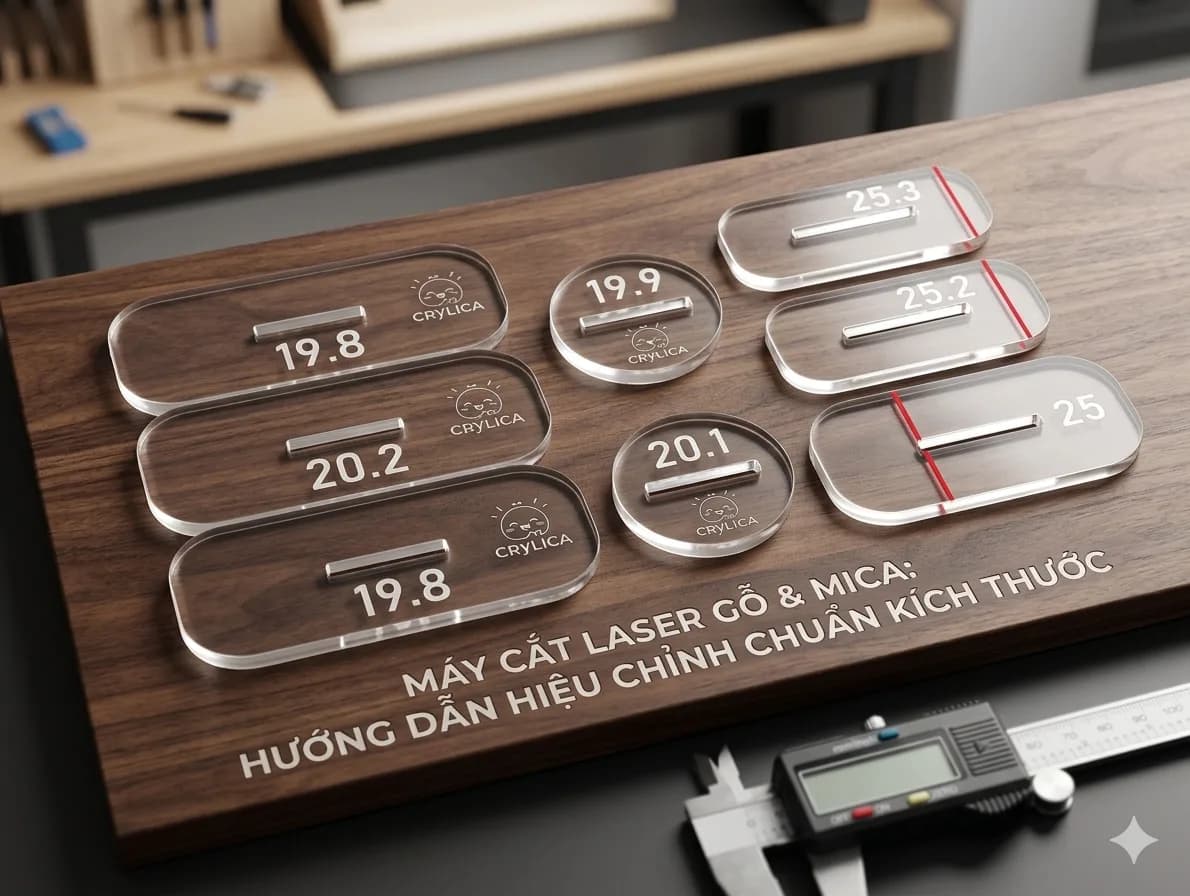
Form a guild with Crylica
Clubs, events, merch shops or brands that need acrylic in bulk: get in touch directly for custom pricing and a full invoice.
- Custom pricing for bulk orders
- Full invoices for businesses
- Event sponsorships and partnerships
Press start
Start with one photo.
Design in the editor and see the price for your size before ordering.
Open the editor